

Harsono


Articles
![Top 5 Best CS2 (CSGO) Resolutions [Used By Pros]](https://cdn.craft.cloud/0c76127f-918d-4d38-bd51-cd994afa278b/assets/images/thumbnails/best-pro-resolutions-csgo.webp)
Top 5 Best CS2 (CSGO) Resolutions [Used By Pros]
1024x768 and 1920x1080 are popular picks for the best CS2 (CSGO) resolution, but the number one pick wins by a long shot!
![Can You Play CS2 (CSGO) Without A Graphics Card? [Answered]](https://cdn.craft.cloud/0c76127f-918d-4d38-bd51-cd994afa278b/assets/images/thumbnails/can-you-play-without-a-graphic-card-csgo-1.webp)
Can You Play CS2 (CSGO) Without A Graphics Card? [Answered]
While it is possible to play CS2 (CSGO) without a graphics card, you will need a CPU with integrated graphics and sufficient RAM.
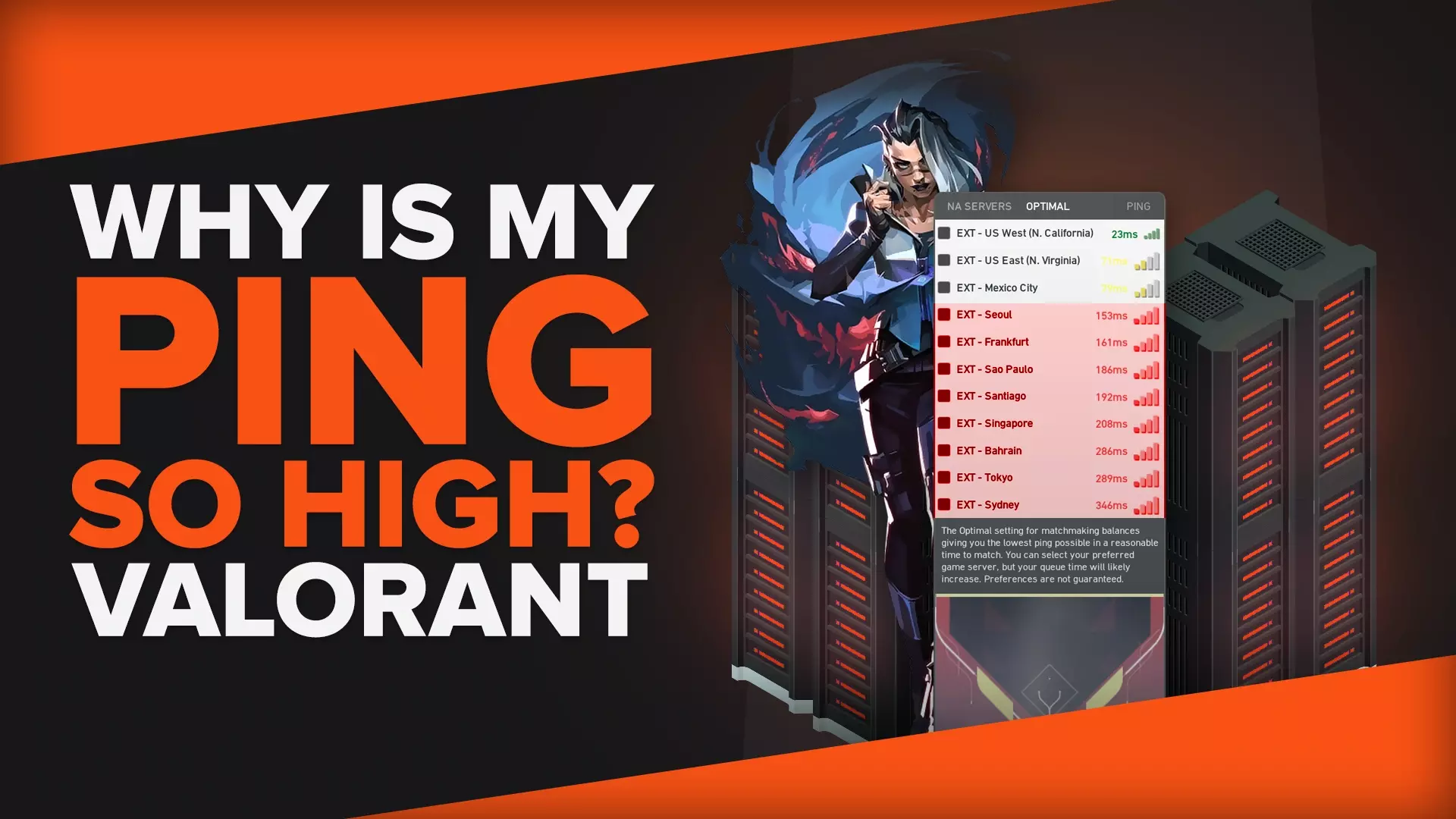
Why Is My Ping So High In Valorant + 4 Solutions
Playing Valorant requires precise movements and adequate reaction time. With high ping, it’s almost impossible to play properly.
![How To Farm Gold Fast In Clash Of Clans [Best Methods]](https://cdn.craft.cloud/0c76127f-918d-4d38-bd51-cd994afa278b/assets/images/thumbnails/how-to-farm-gold-fast-clash-of-clans.webp)
How To Farm Gold Fast In Clash Of Clans [Best Methods]
Preparing the right army and finding a good trophy range to farm gold in Clash of Clans is crucial, but one method is more important than these two...
![How To Quickly Fix Valorant VAN-9003 [5 Easy Solutions]](https://cdn.craft.cloud/0c76127f-918d-4d38-bd51-cd994afa278b/assets/images/thumbnails/how-to-fix-error-code-van-9003-in-Valorant.webp)
How To Quickly Fix Valorant VAN-9003 [5 Easy Solutions]
Running Valorant in compatibility mode or updating your graphics card are good solutions to fix the issue, but we have the ultimate fix in case they don't work.
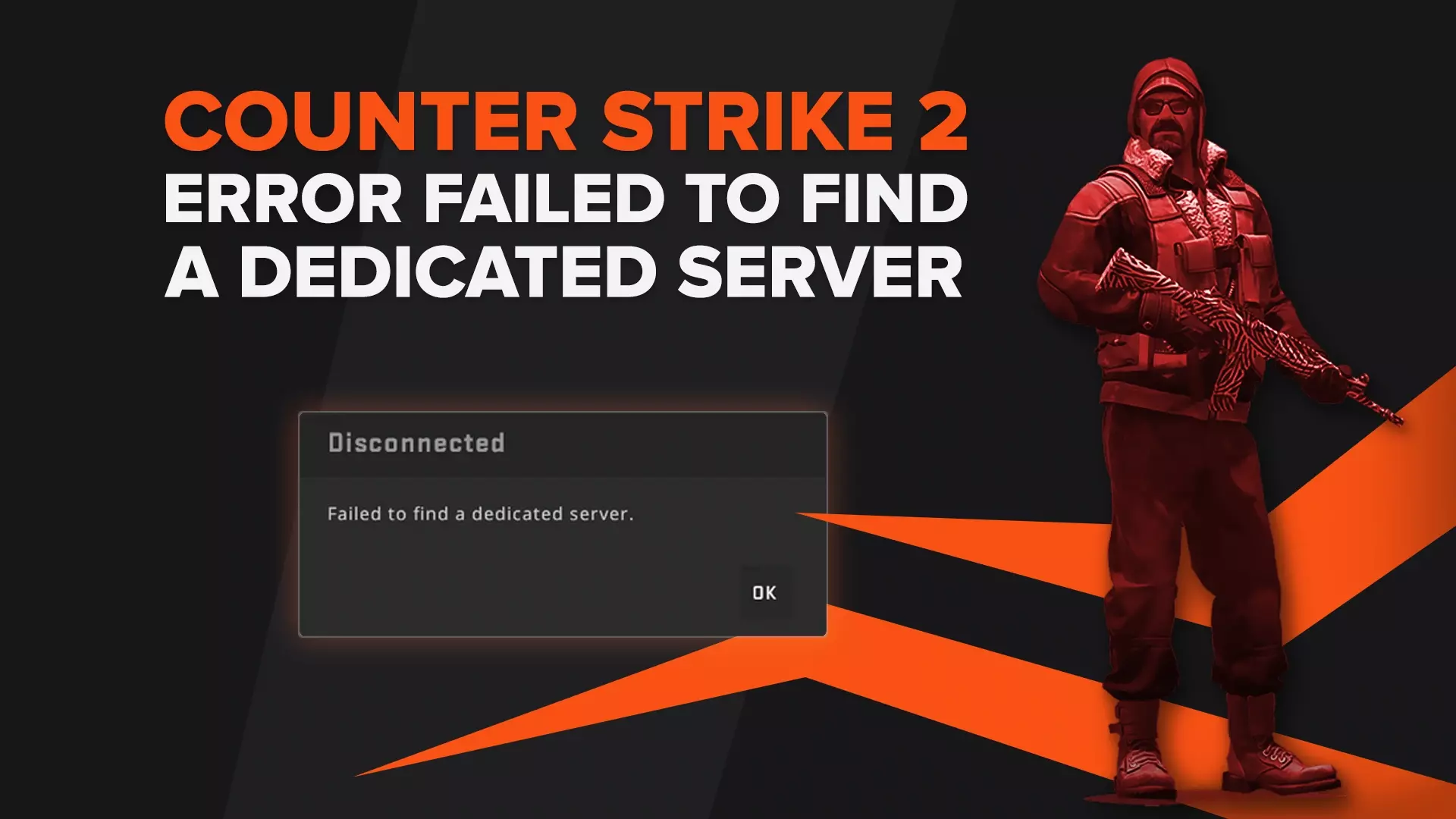
How To Fix "Failed To Find Dedicated Server" Error in CS2 (CSGO)
Are you getting the “Failed to Find Dedicated Server” error message? We have three solutions for you.
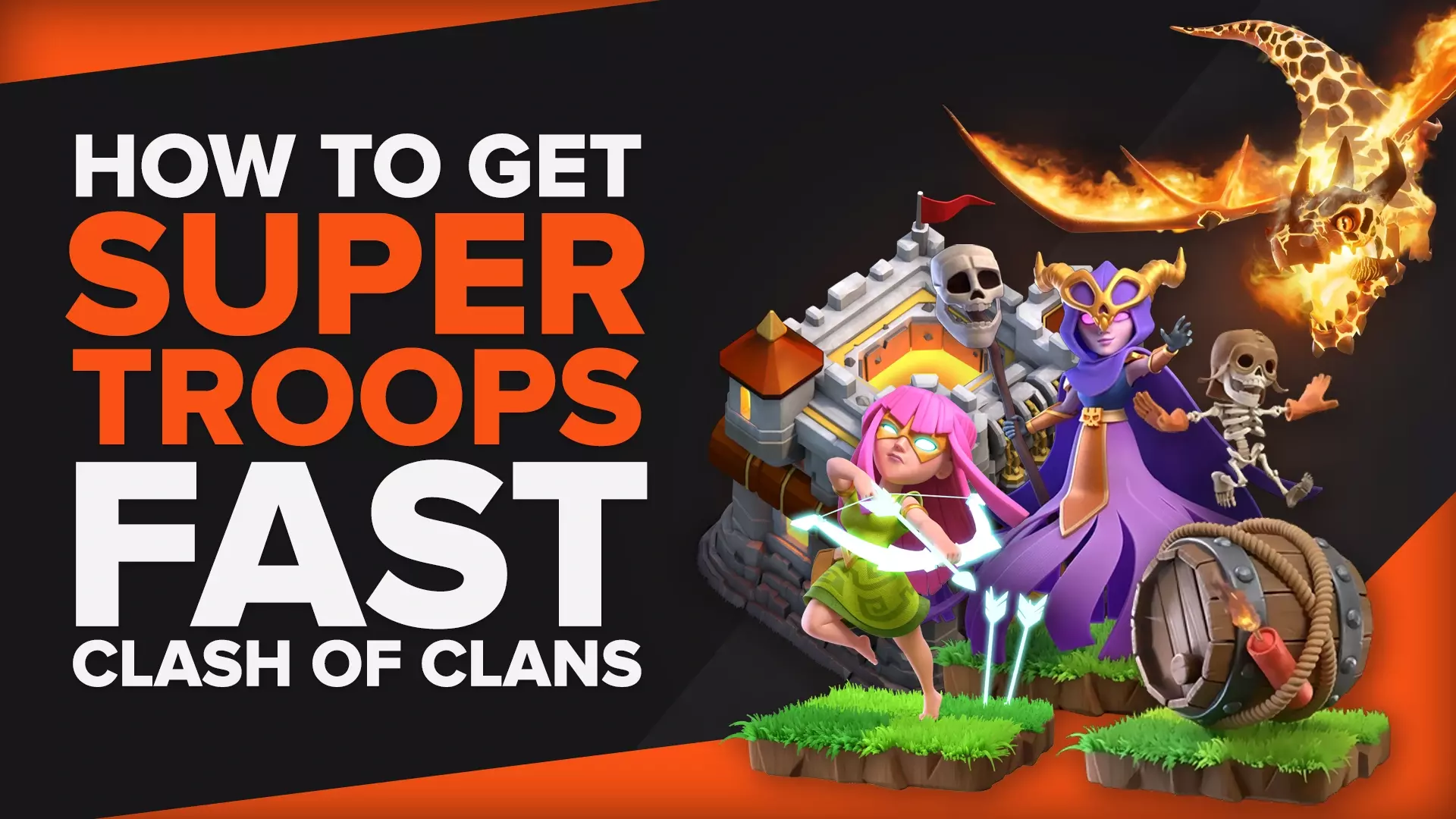
How To Get Super Troops In Clash Of Clans Fast
Super Troops are upgraded versions of your Clash of Clans troops. They will significantly help increase your attacking capabilities.
![5 Best Stats Trackers For CS2 (CSGO) To Help You Improve [Ranked]](https://cdn.craft.cloud/0c76127f-918d-4d38-bd51-cd994afa278b/assets/images/thumbnails/Best-Stats-Trackers-For-CS2-To-Help-You-Improve-csgo-1.webp)
5 Best Stats Trackers For CS2 (CSGO) To Help You Improve [Ranked]
Leetify and Scope.gg are popular websites to track your CS2 (CSGO) statistics, but 3 more sites might be better for you!
![How To Reset All Settings Valorant [2 Methods]](https://cdn.craft.cloud/0c76127f-918d-4d38-bd51-cd994afa278b/assets/images/thumbnails/how-to-reset-all-settings-Valorant-1.webp)
How To Reset All Settings Valorant [2 Methods]
To reset all Valorant settings to default, you would need to delete the VALORANT app data. Here's how!
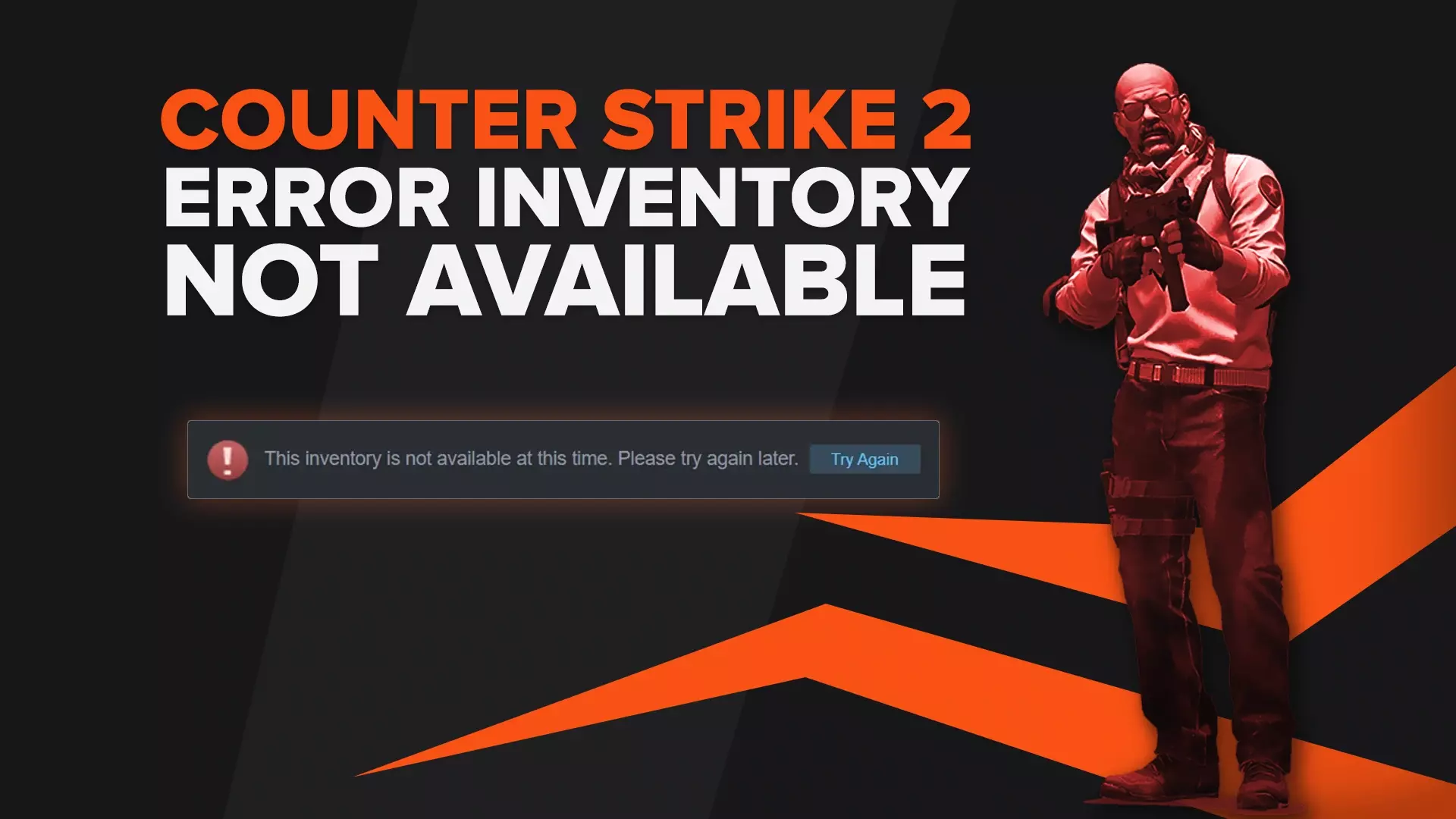
5 Ways To Fix "Inventory Not Available At This Time" Error in CS2 (CSGO)
To resolve the "Inventory is not available at this time" error on Steam, you can try restarting the Steam client or accessing Steam through a web browser.
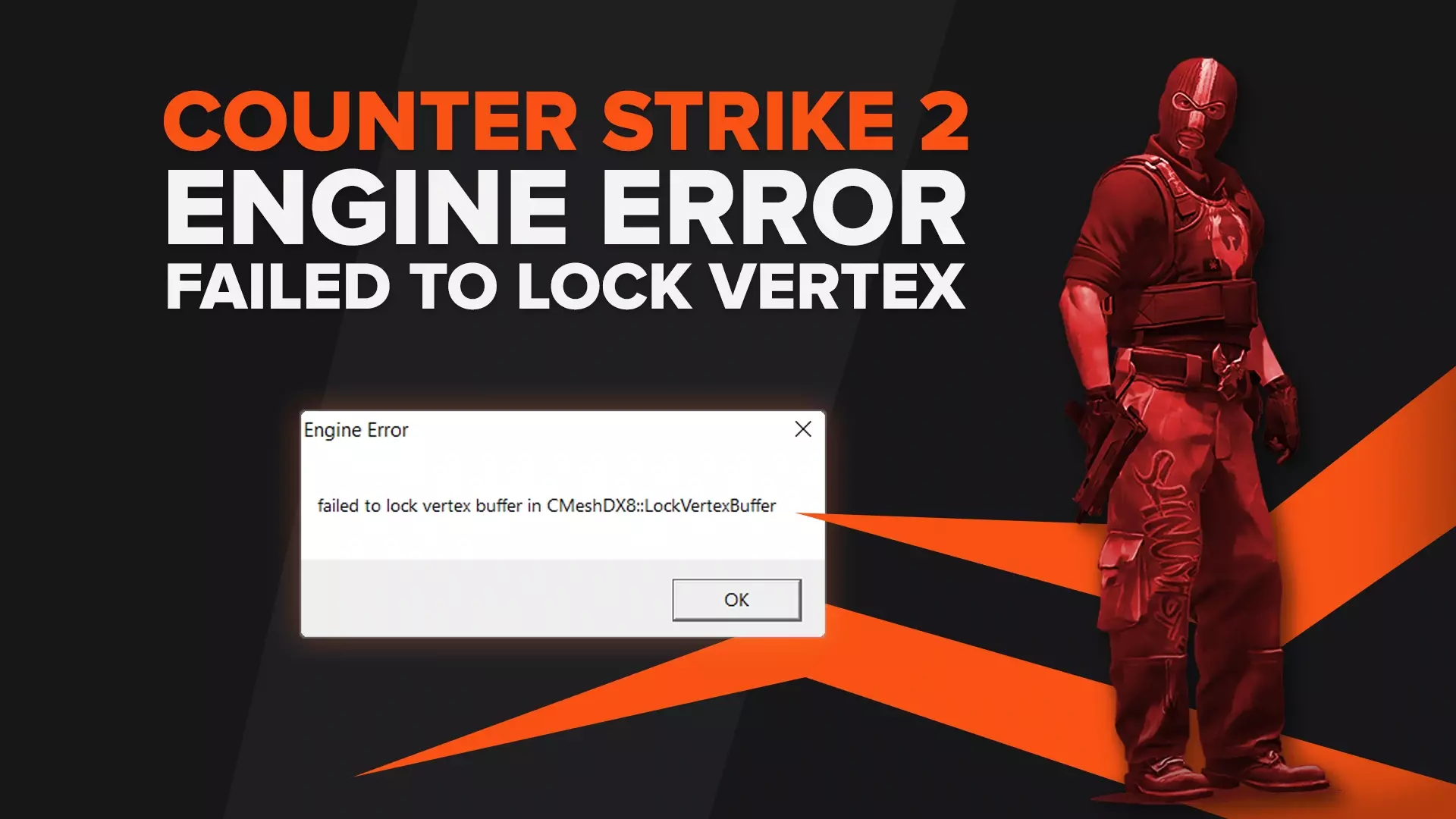
How To Fix The Failed To Lock Vertex Buffer In Cmeshdx8 Lockvertexbuffer Error In CS2 (CSGO)
Lowering your video settings may fix the “Failed To Lock Vertex Buffer In Cmeshdx8 Lockvertexbuffer” issue in CS2 (CSGO) but if it doesn’t, here are more fixes!
7 Methods To Fix Black Screen After Startup in CS2 (CSGO)
See how to fix the black screen issue after starting up CS2 (CSGO), including adding the "autoconfig" launch option and verifying game file integrity.